Getting Started
First-time setup and basic settings.
1. Download the app
Download our app from the Play Store link on the Apps page.
2. Setup
Follow the setup wizard. The following permissions may be required; the app uses them only for the stated purposes.
During setup, sample files are also placed in the app-specific work area. This area is for trying the app; do not copy large amounts of data into it. For your real media, use folders like DCIM or Pictures as the source.
Permissions
-
Storage / Media access
Required to access your photos, videos and media folders (e.g. DCIM, Pictures). The app requests this on first launch. Data is processed only on your device.
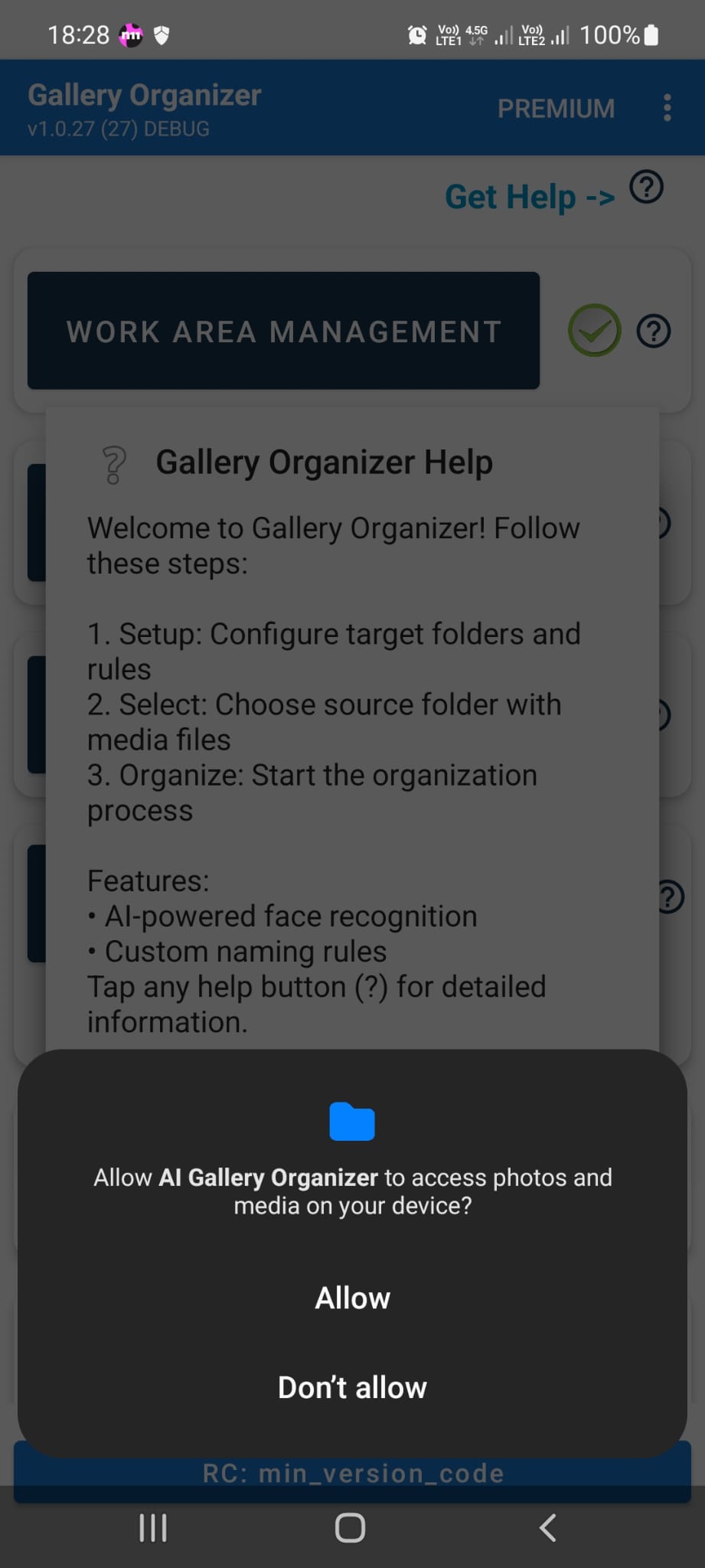
Media access permission request -
Battery optimization (optional)
For better background AI search and file processing, the app may suggest disabling battery optimization. You can skip or open settings to configure it.
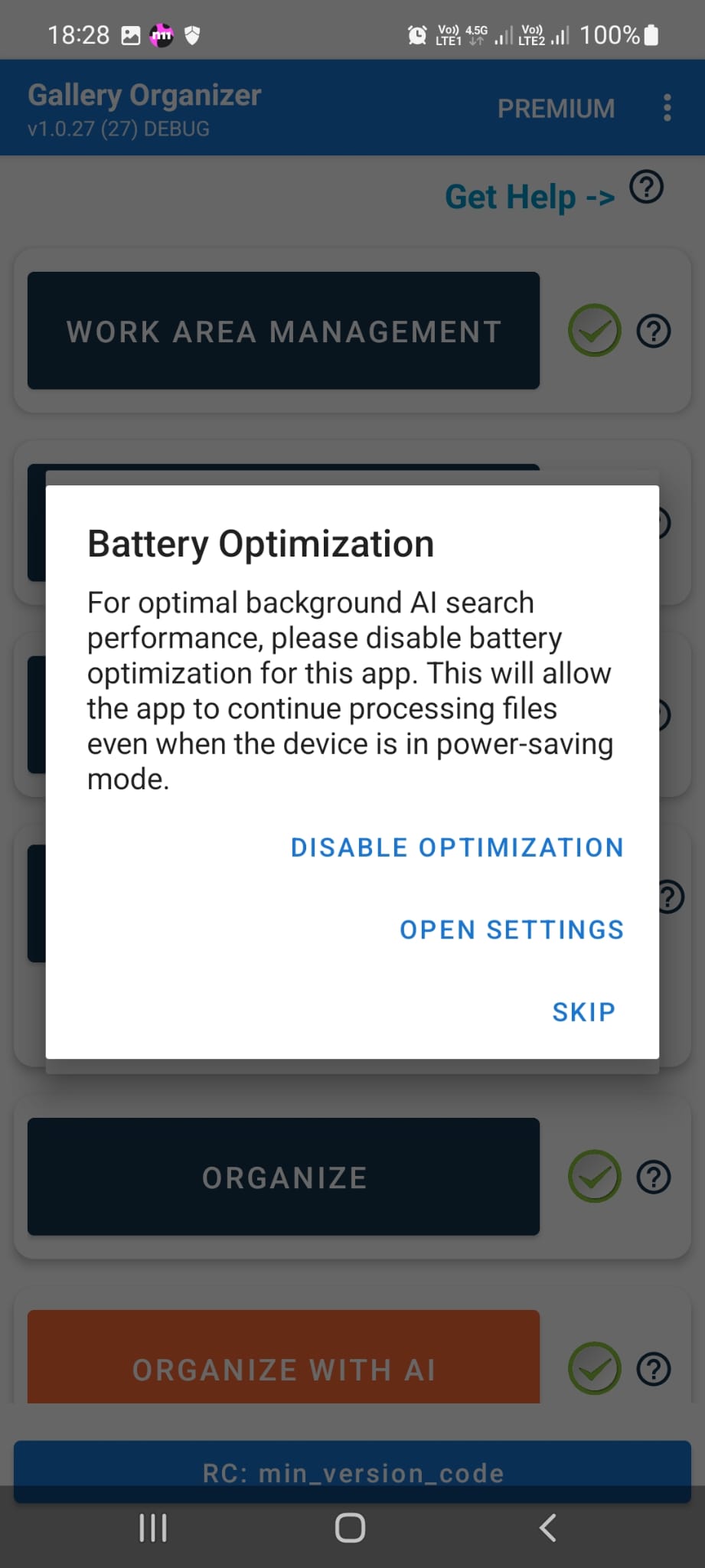
Battery optimization -
Notifications (optional)
The app may request notification permission for reminders or updates. You can deny or turn it off later in device settings. Core features work without it.
3. First launch
When the app opens you go straight to the main screen. You can start using the gallery and folders from there.